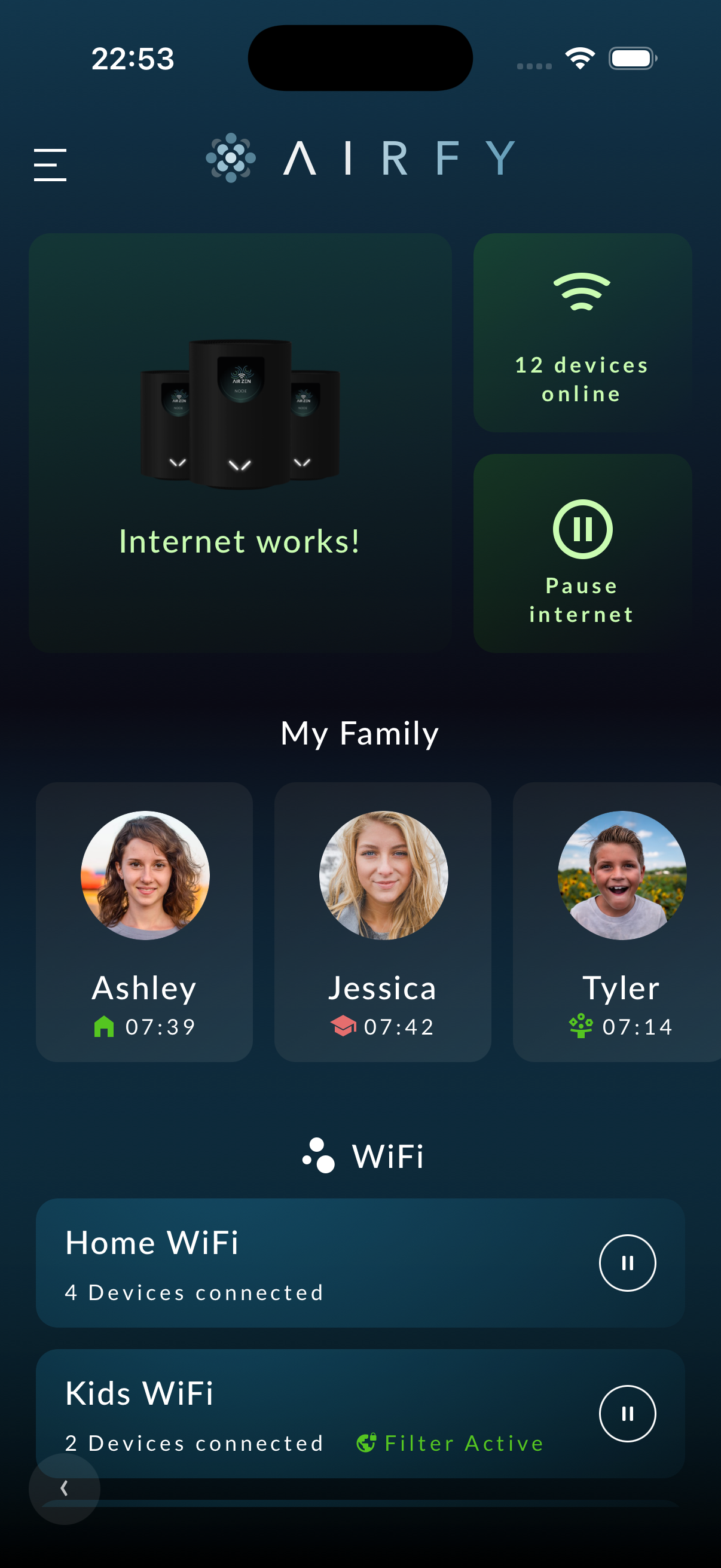
Whole-home mesh WiFi. Bedtime stays on track.
Three nodes, every corner covered. Screen-time controls built into the network, not dependent on a child's device app. Schedules per child, personal passwords for guests, no dead spots, no extender slowness.
30-day money-back guarantee. ISPs can bundle the same Home App as a managed WiFi tier.

"Leon is offline. Schedule active until 7:00 AM."
Your app probably comes from your provider.
A growing list of internet service providers ship Airfy as their managed WiFi tier. If your provider is on the list, you get the same Mesh Set, the same Home App, and the same pause button on their bill, with their logo.
Built for family internet at home.
Whole-home coverage comes first. Then pause, schedules, personal passwords, and guest access run directly on the network layer.
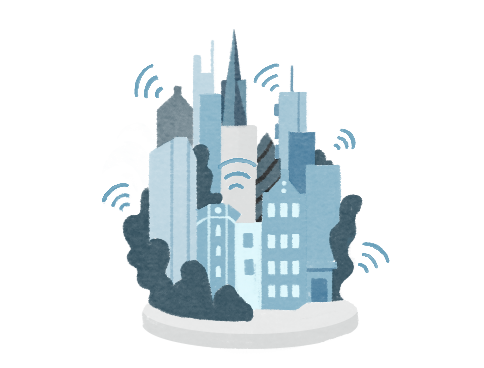
Three nodes, every corner covered. Each node talks to the others over a dedicated backhaul. Your phone hands off between rooms without dropping a call. Three floors, the terrace, the garden. Same WiFi, no extender slowness, no dead spots.

Sound familiar?
These are the problems Airfy is built to remove from ordinary family evenings.
Filters should not be easy to bypass.
Router-level MAC filter? Spoofed in 3 minutes. Screen time app? Deleted or VPN'd around. Your 10-year-old knows more about network settings than you. That is not a parenting problem. That is a network problem.
Protection should live in the network, not in a removable app.
The nightly screen-time fight.
9 PM. 'Five more minutes.' 10 PM. Still online. 11 PM. You take the iPad physically. Tomorrow: same fight. You need a system that works without negotiation.
A schedule is easier to accept than another argument.
Visibility should not require a router manual.
Your child is on the same network as your smart home, your laptop, your banking app. No content filtering. No visibility into which sites are visited. No alerts when something is wrong.
Airfy makes router-level protection feel like an app setting.
Dead spots should not decide where homework happens.
One router in the hallway. No signal in the kids' room. No signal on the terrace. You bought a repeater but it halved your speed. Real mesh WiFi with seamless roaming costs a fortune. Or it used to.
Three nodes cover the house without repeater slowness.
5 minutes. That is the entire setup.
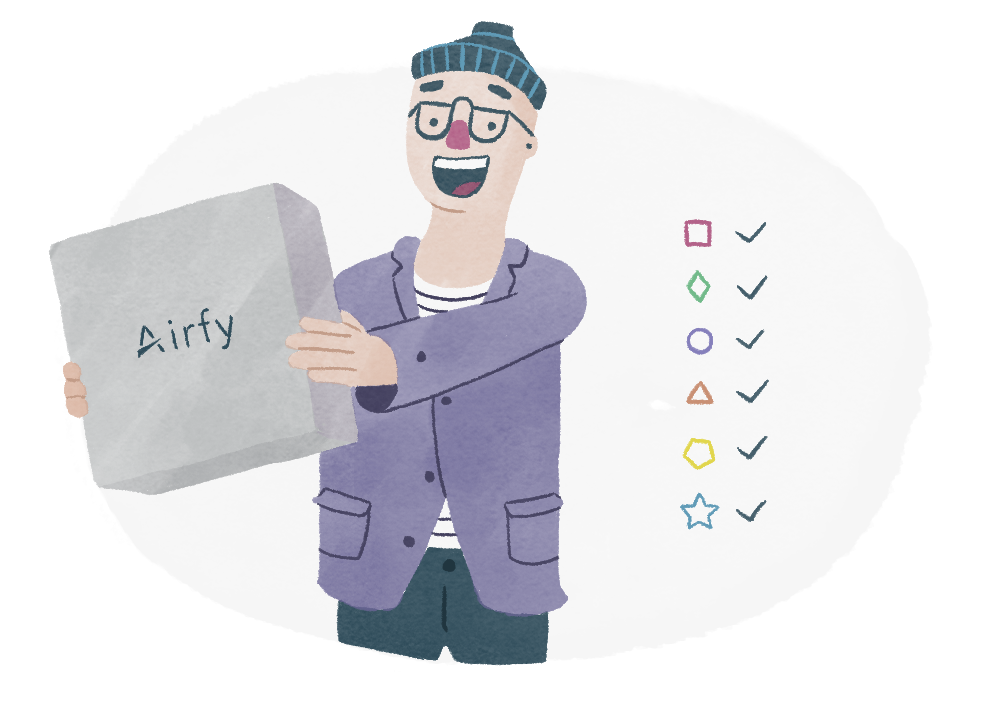
Plug In
Connect Airfy nodes to power. They find each other and lay down the AI-WiFi layer across your home: identity per person, isolation per device, voice-ready from minute one.
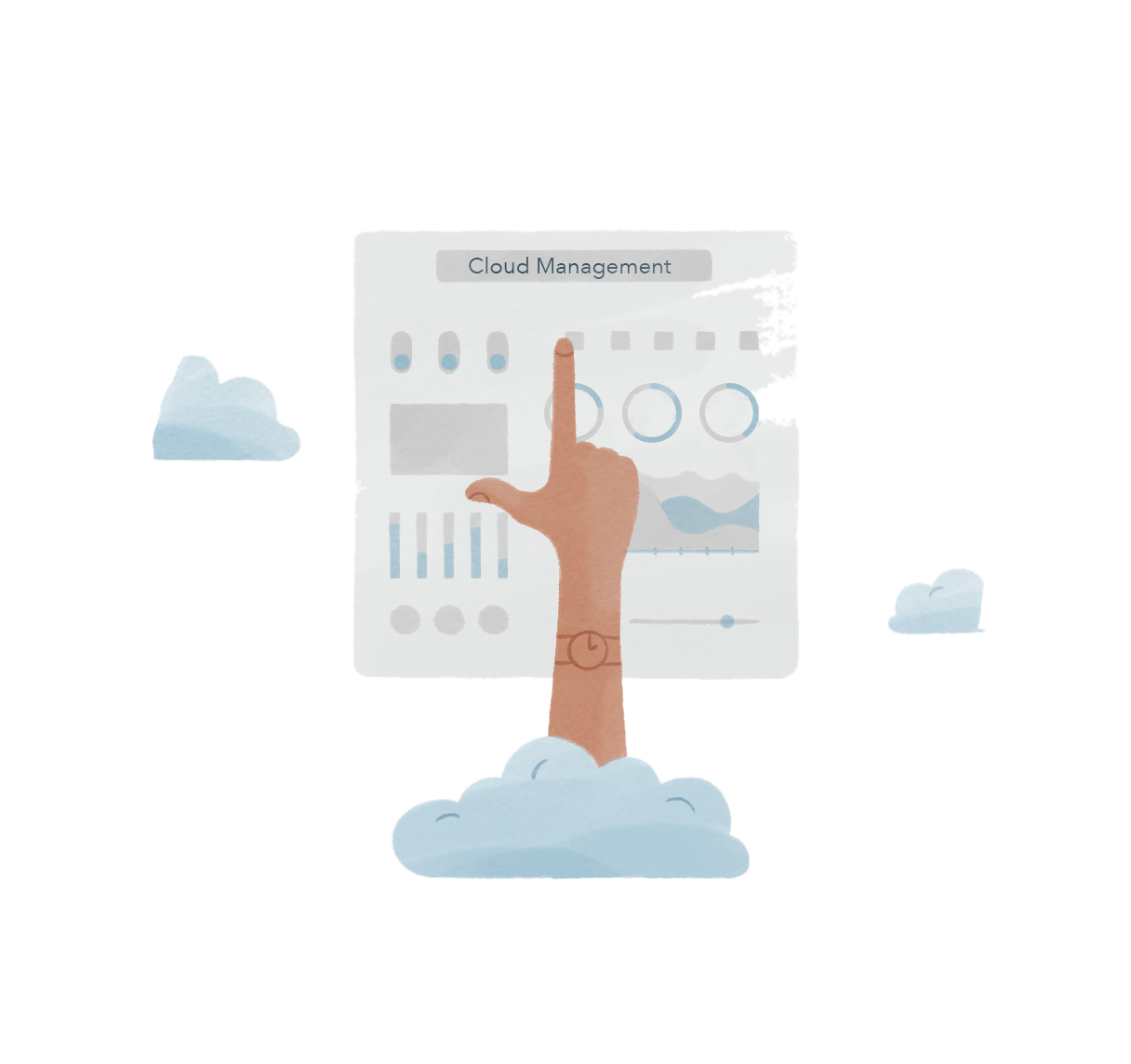
Open App
Download the Airfy app. Add your family members. Set schedules and content filters. Type in plain language what you want.
Done
Airfy manages everything from here. Child protection, firmware updates, WiFi optimization. You only get notified when something matters.
Real families. Real evenings.
They stopped arguing about screen time.
"The pause button changed our evenings. No more arguing. Leon knows: 9:30, WiFi is off. He accepted it after two days. We actually talk at dinner now."
"My daughter figured out the router password in 20 minutes. With Airfy, she cannot bypass it. The protection is in the network, not on her device."
"I type into the app what I want. 'No YouTube after 8 PM for the kids.' Done. I never opened a router settings page. The AI wizard set everything up in 8 seconds."
Ship the same mesh. Cut your churn. Keep your subscribers' data private.
Compass is the operator side of Airfy. One dashboard for every subscriber home in your footprint. Agentic networking watches the homes, diagnoses dead spots and slow speeds, and resolves most issues before the customer notices. Fewer truck rolls, fewer support calls, fewer cancellations.

Reduce churn
Subscribers who stop fighting their WiFi stop shopping for a new provider. The mechanism is straightforward: a network that diagnoses itself, fixes itself, and only calls support when a human is actually needed.

Cut support cost
Most home-WiFi tickets are dead spots, slow speeds, and forgotten passwords. Compass auto-resolves those without a human picking up the phone. Your tier-1 queue gets shorter every week.

Differentiate without R&D
Open-source Linux firmware, ISP-grade dashboard, consumer app you can co-brand. Time-to-market measured in weeks, not quarters. No R&D team needed.
Same app. Their cloud. Their AI.
Operators ship the Airfy Home App as their managed WiFi tier. Their NOC runs Airfy Compass. Their AI controller runs on Nvidia Blackwell silicon in their rack. The subscriber experience is the one you would buy direct, on the bill of an internet provider you already pay.
How you get it
Two ways into the same mesh.
You can order Airfy directly and run the network yourself, or get the same hardware and the same app delivered as a managed WiFi tier by your local internet service provider. Either way, the mesh, the parental controls, and the personal passwords are the same product.
Order the Mesh Set and self-install.
You buy the nodes, plug them in, and the app walks you through setup in a few minutes. Same hardware, same app, same network-level child protection. The plan you pick is the one you keep.
Bundled with your internet line.
A growing list of internet providers ship Airfy as their managed WiFi tier. They run the operator side on Airfy Compass: one console for every subscriber home in their footprint, the same auto-resolve and parental controls you would get direct. You get one bill, one support number, and the same Airfy app on your phone.
How Airfy compares.
| Feature | Airfy | ISP Router | Mesh Brand |
|---|---|---|---|
| Network-level child protection | - | - | |
| AI chat control | - | - | |
| Personal password per person | - | ||
| Unbypassable (no VPN workaround) | - | - | |
| WiFi 6 Mesh | - | ||
| Content filtering (11 categories) | |||
| Servers in Germany | - | ||
| Open source firmware | - | - | |
| Voice control | - | - | |
| No subscription required for hardware | - |
Less than a coffee per day. A new AI in your home.
A new WiFi means a new AI. Same product. Hardware is yours forever, runs open-source firmware. Software plans are optional. Cancel anytime.

Family
- 3 nodes (up to 250 m2)
- Child protection (11 categories)
- Pause button per child
- Personal passwords (MPSK)
- AI chat assistant
- Content filtering
- Internet schedules
Family Plus
- 6 nodes (up to 500 m2)
- Everything in Family
- VPN for streaming
- Network segmentation
- Priority support
- Smart home isolation
- Advanced analytics
Frequently asked questions
Tonight could be the last screen time fight.
30-day money-back guarantee. 5 minute setup. Three floors of coverage with one tap to pause. The same mesh and software our internet service providers ship to their subscribers.